Four configuration tiers
Compare Standard, Advanced, Extreme and Enterprise as starting points for a workload-based specification.

Forensic workstations configured around your caseload
A proposed desktop workstation family for evidence examination, indexing and analysis, with Standard, Advanced, Extreme and Enterprise configuration tiers.
Product Preview
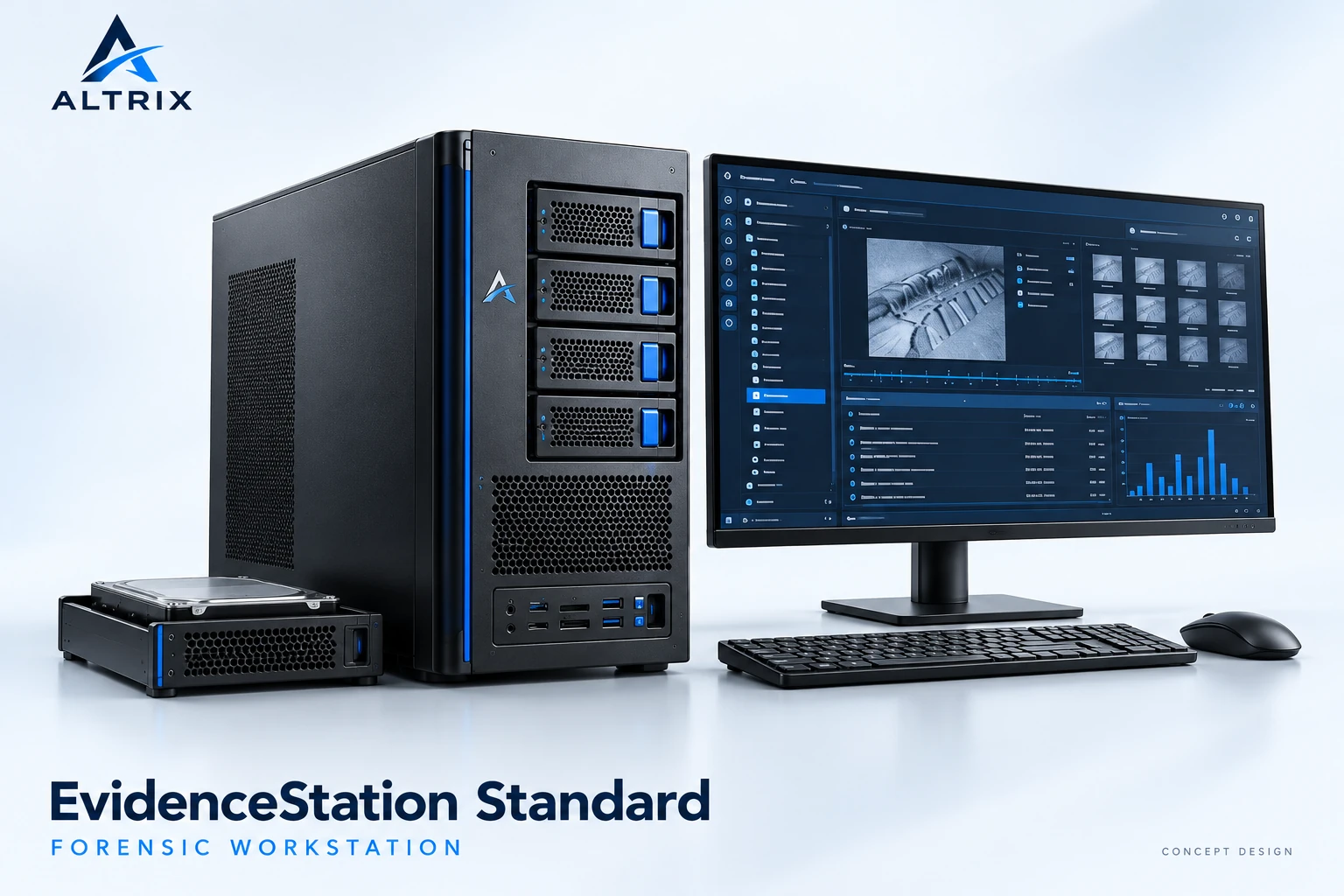
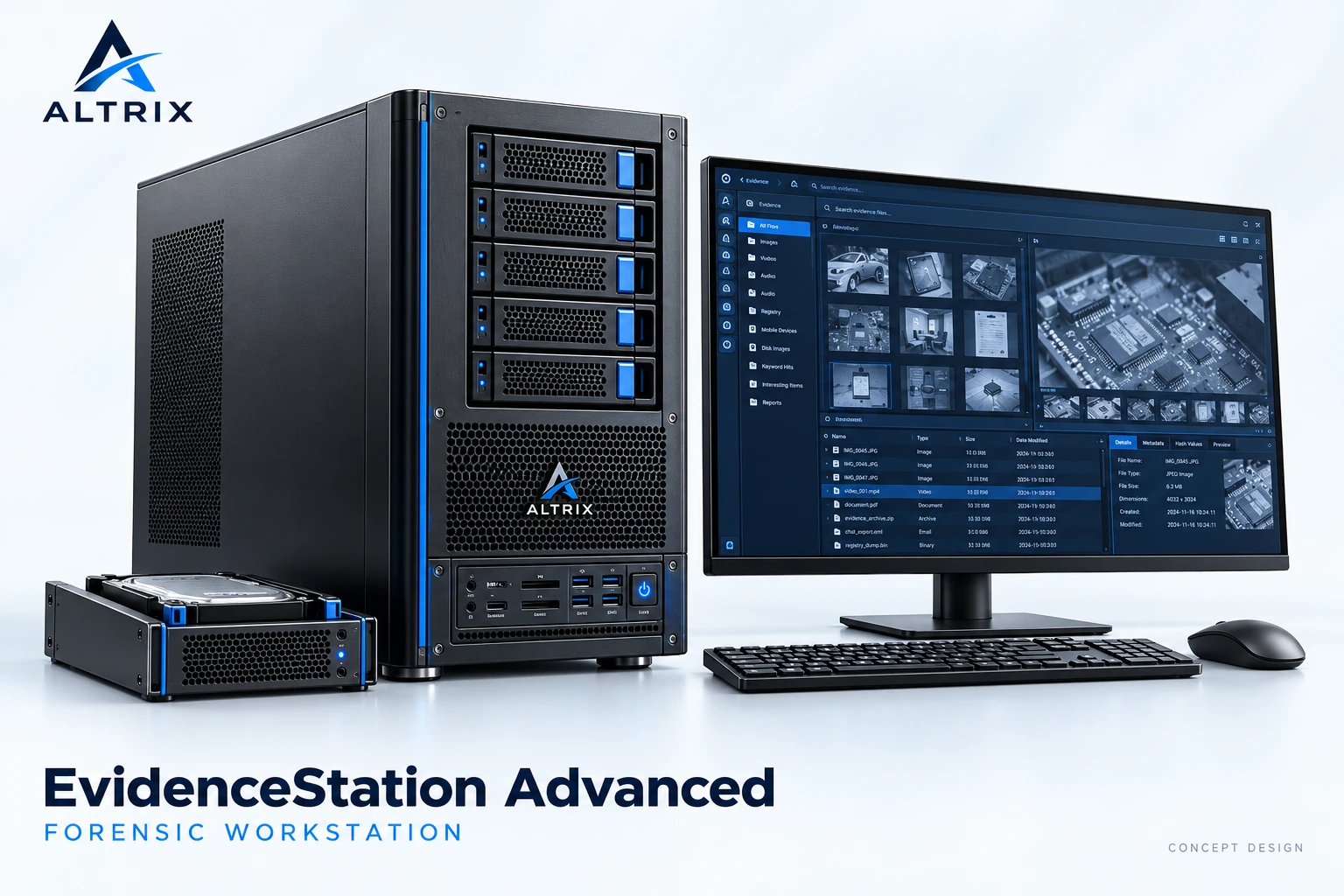
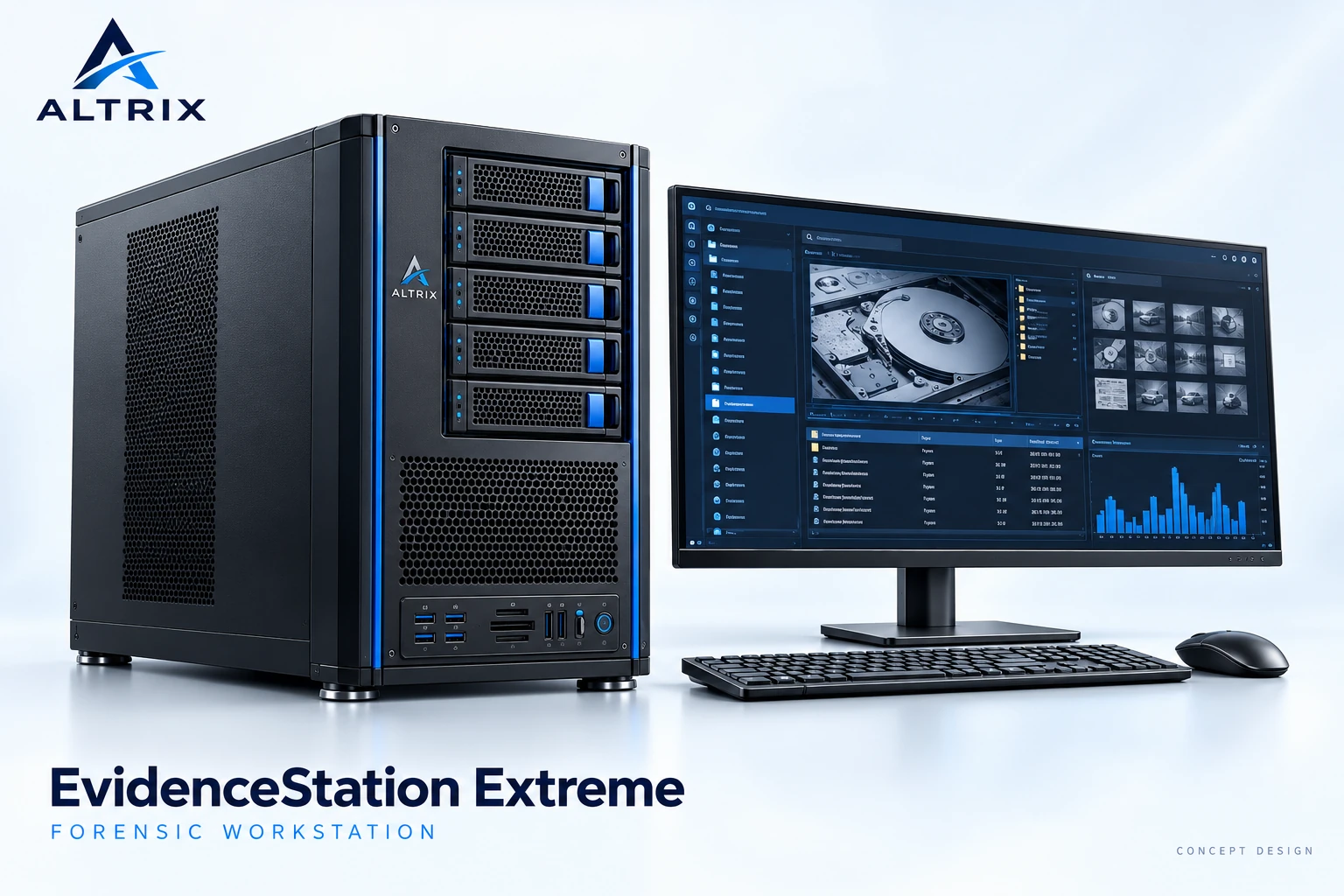
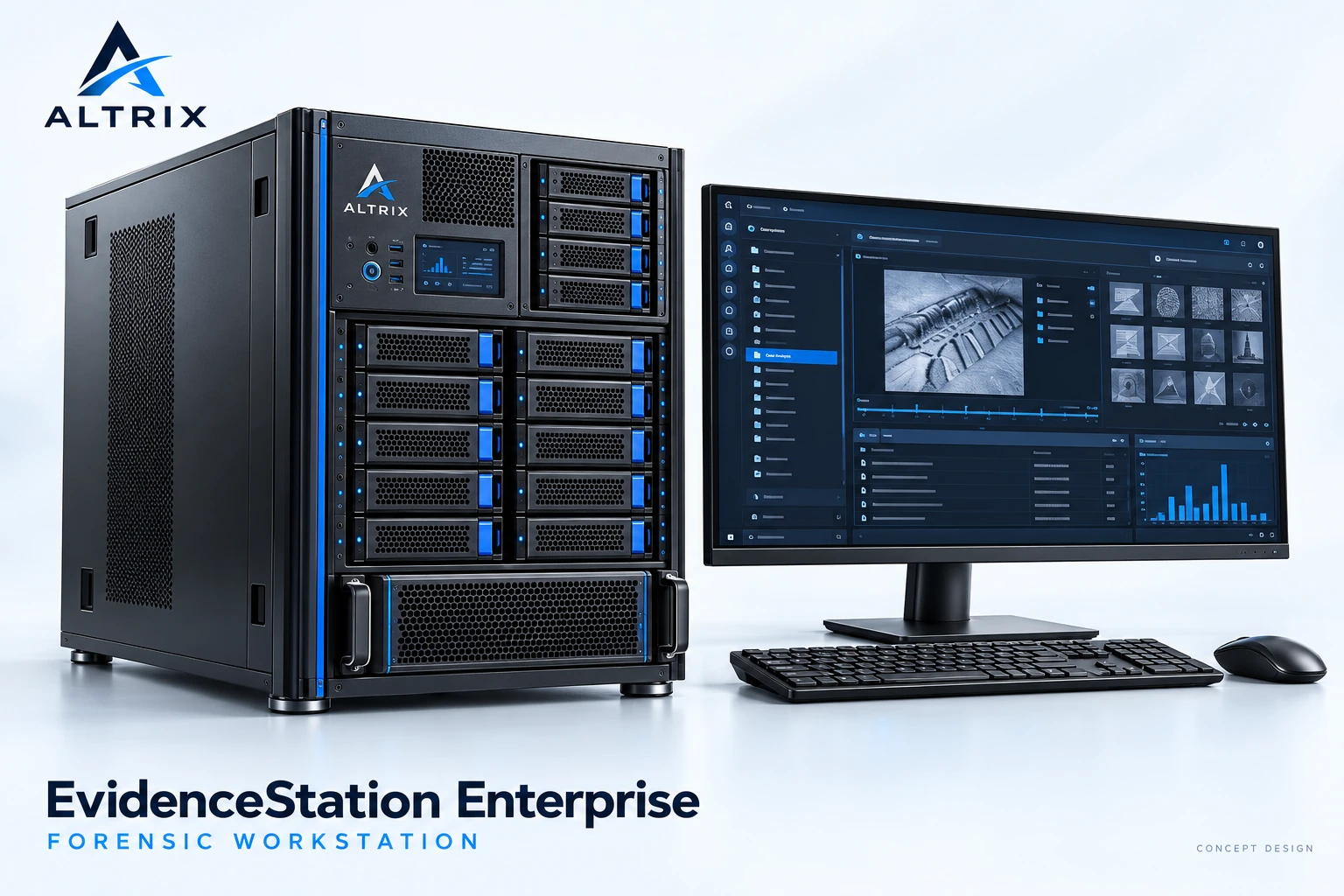
Concept design — final configuration subject to scope
Solution overview
EvidenceStation brings processing, memory, working storage and evidence-drive access into a dedicated examiner workstation. The four proposed tiers provide a starting point for matching a system to case size, concurrent tasks and laboratory requirements.
Select the configuration around the applications and media your team uses. Acquisition accessories, write blockers, software licences and deployment support can be defined as part of the agreed package.
Compare Standard, Advanced, Extreme and Enterprise as starting points for a workload-based specification.
Plan system, cache and case-data storage so that each role has an explicit place in the configuration.
Specify drive bays, supported media interfaces and appropriate write-blocking accessories for the examination workflow.
Match processor, memory and optional acceleration choices to the requirements of the selected forensic tools.
Proposed configuration guide
Proposed Intel configurations for different workloads, with separate system, cache and data storage.
| Component | Standard | Advanced | Extreme | Enterprise |
|---|---|---|---|---|
| Processor | Intel i9 | Intel i9 | Intel Xeon W | Dual Intel Xeon Scalable |
| Memory | 64 GB DDR5 | 192 GB DDR5 | 128 GB DDR5 ECC | 256 GB DDR5 ECC |
| System SSD | 1 TB | 1 TB | 1 TB | 1 TB |
| Cache SSD | 1 TB | 2 TB | 2 TB | 2 TB |
| Data SSD | — | 4 TB | 4 TB | 2 × 4 TB RAID |
| Data HDD | 20 TB | 2 × 20 TB RAID | 2 × 20 TB RAID | 4 × 20 TB RAID |
| Drive bays | 4 × 3.5″ | 5 × 3.5″ | 5 × 3.5″ | 11 × 3.5″ + 4 × 2.5″ |
RAID entries show installed drive quantities; usable capacity depends on the selected RAID level. Component models, compatible software and final supply configuration are confirmed during scoping.
ALTRIX
Identify case volumes, evidence types and the applications used by your examiners.
Choose a baseline, then refine storage, media access and peripherals.
Agree the final configuration, software scope and deployment requirements.
Discuss your configuration
Final hardware, software compatibility and supply configuration are confirmed during scoping.
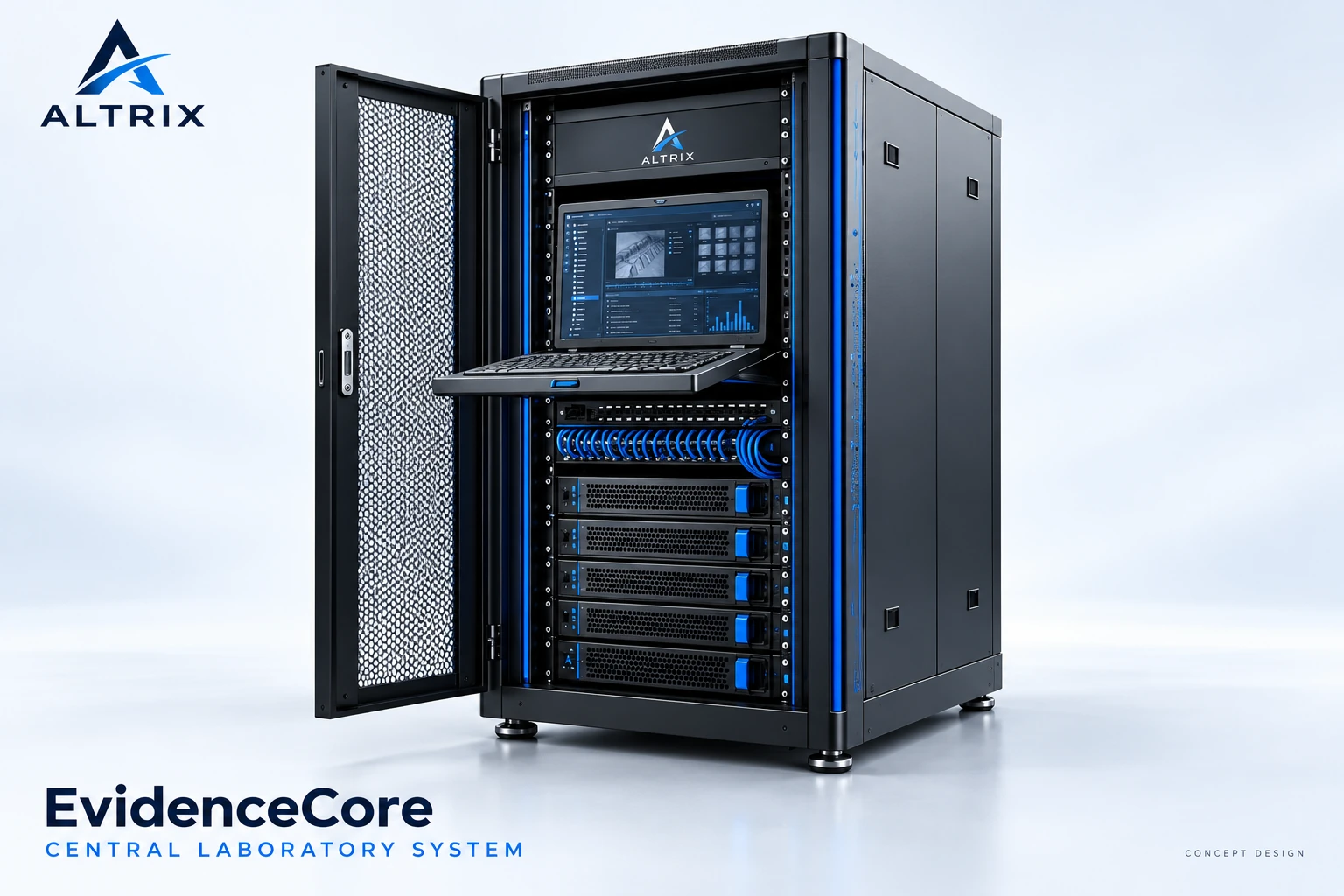
A proposed rack-based compute and storage family for laboratory processing, case-data staging and shared forensic infrastructure.
Explore solutionA proposed laboratory infrastructure package that brings rack compute, storage, connectivity and console access into one scoped design.
Explore solutionA proposed acceleration platform for supported password-recovery and compute-intensive forensic workflows, with software selected and licensed separately.
Explore solutionShare your workflow, tools and capacity needs. We’ll help define the scope and the next step.